 Main Menu | Reporting | My Reports
To edit an existing report, select the report in the grid display and select Edit or double-click the report in the grid.
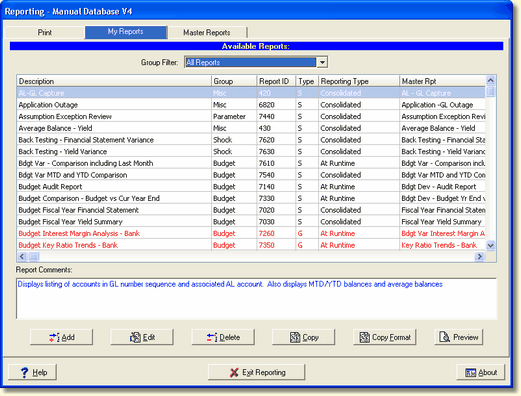
Based upon the type of report, either the New/Edit Standard Report dialog or the Report Generator dialog will be displayed.
Standard Reports
You can edit a Standard Report at the branch or consolidated level.
If the selected report was a standard report, the currently configured parameters and selected accounts to be printed are displayed.
`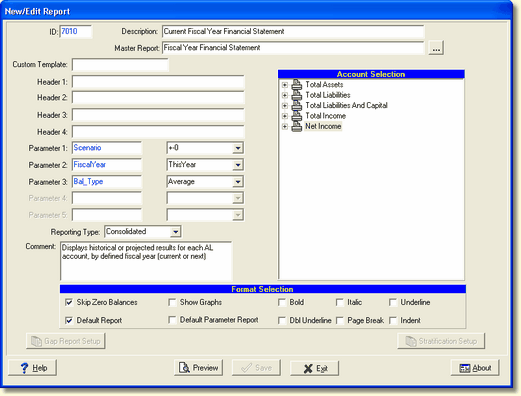
Go to the Chapter - Standard Report Parameters for a detailed description of the individual fields available to add/edit a new report.
Report Generator Reports
To edit a Report Generator report, it must be done at the consolidated level not the branch level. If you try to edit at the branch level the following message will be displayed:
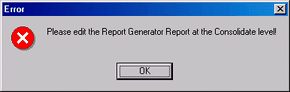
If the selected report was a report generator report, the current report configuration will be displayed.
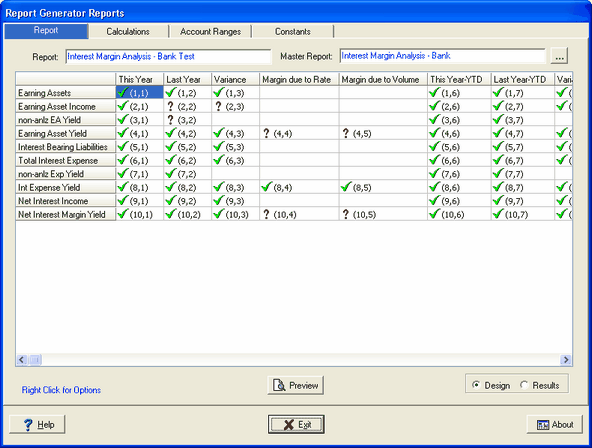
See the Report Generator section in the manual for details on working with a report in the report generator.