Please see Overview in the Advanced Income Shock/Reporting Interface section of the Table of Contents for further details of the Preview/Print/PDF File/View PDF buttons.
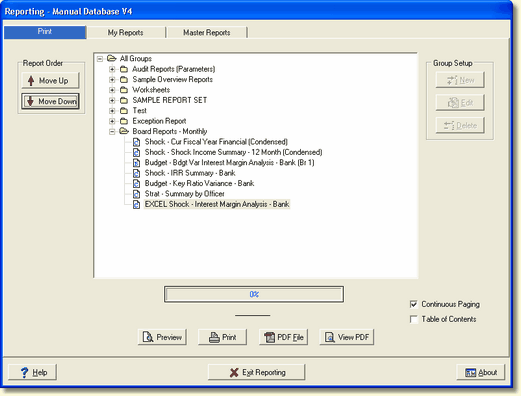
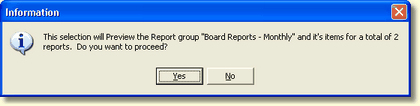
When the Preview/Print/PDF File is selected an information dialog screen is displayed. This screen will tell the user how many reports will be displayed in a continuous loop. If yes is selected, the user will have to preview/print/pdf all reports before they can exit the option selected.
A progress bar is located in the lower center of the screen as well as a message area below the progress bar which will show you the report being printed/PDF.