 Main Menu | Reporting | Print
There are two features you can add when you are producing your report group. Continuous Paging and Table of Contents. Checking the box will turn these features on. The check boxes are located in the lower right area of the screen.
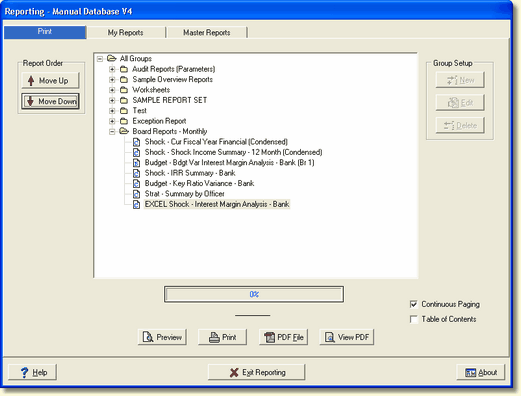
Continuous Paging - This feature will continuously number all pages in a report group.
Table of Contents - Use this feature when Continuous Paging is checked. This feature will produce a table of contents for the report group selected. The table of contents will be included when you print and PDF the file. It does not display on the screen when you preview the report group.