Any saved Budget set can be viewed by selecting the View Budget button.
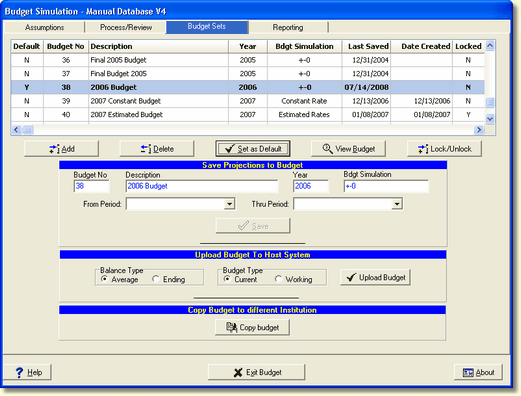
Before a Budget can be viewed, it must be selected as the default Budget set. The following confirmation box will be displayed if you have selected a budget that is not the default budget.
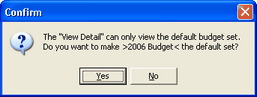
After selecting Yes, the following screen is displayed.
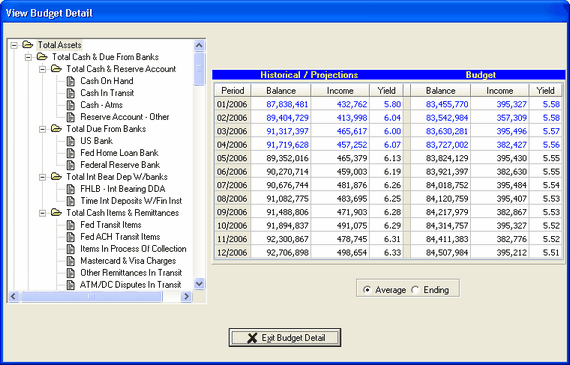
The time periods displayed will depend on what year the selected budget is based on, current fiscal year or next fiscal year.
Historical (Actual) data will be displayed in blue and a comparison is made between historical and budget. Projections will be displayed in black.
Balances can be displayed in Average or Ending.