 Main Menu | Reporting | Print | View PDF
The Table of Contents report is created when the user checks the Table of Contents box on the Print tab and creates a PDF file of a report group. The Table of Contents report can then be displayed by viewing the PDF file.
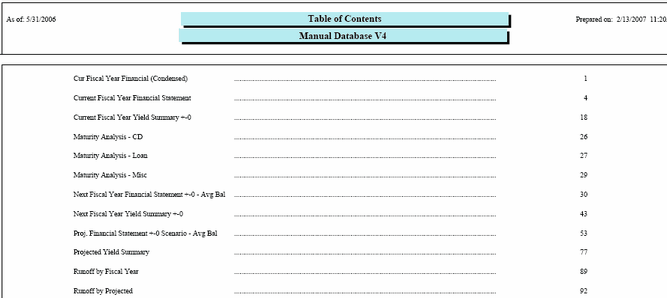
This report can be previewed and printed by taking the following path:
Main Menu | Reporting | My Reports (Parameter group)