Main Menu | Advanced Income Shock | Back Testing | Sets
The Sets tab provides the ability to save the current modeling results as a Back Test set. When all assumptions and projections have been processed in the Process/Review tab and you are satisfied with the results of the simulation, Back Test sets can be created and saved.
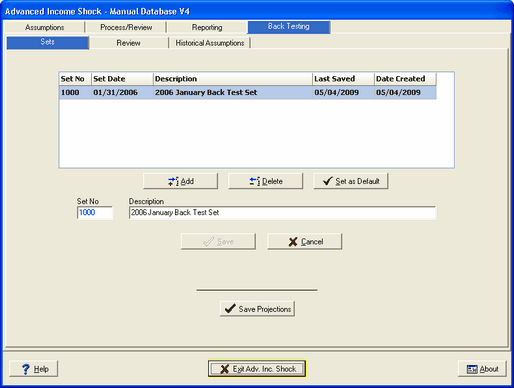
Add
After entering a description for the Back Test set and the SAVE button is pressed, the new Back Test set will be listed last in the grid as shown below.
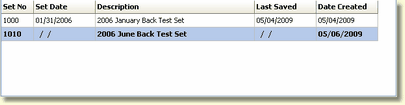
The system will set the new Back Test as the default set. You will notice the Set Date and Last Saved columns are blank. Remember, you are only creating the Back Test set at this point, there is no data in the set yet.
Delete
Be very careful when deleting a Back Test set. Once deleted you will not be able to restore the set.
"Set as Default" concept
The system provides the ability to save an unlimited number of modeling results as Back Test sets. However, to simplify Back Test Variance reporting, the Back Test reports will run against the Back Test set marked as the "Default" set. You can change any available set to the default set.
Save Projections
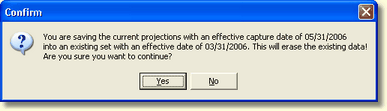
The last step in saving a Back Test set is to save the projections, created in the Process/Review tab, to the new Back Test set, created in the Add function above, by selecting Save Projections. A warning message will be displayed if you attempt to override an existing Bank Test set with different data.