 Main Menu | Param. Setup | Common | Shock Scenarios
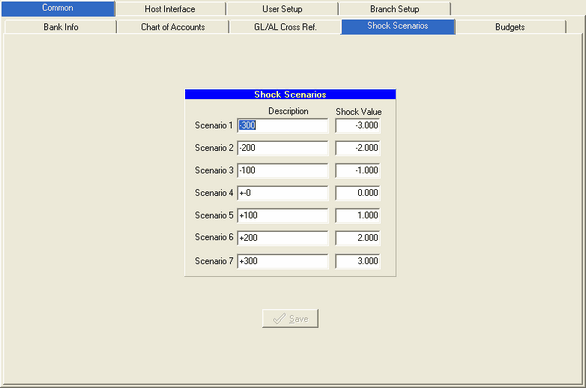
The Shock Scenarios tab is used to setup or change the 7 different shock scenarios. This parameter will be setup during the IRR-Solutions® II software installation. The Shock Scenarios screen is displayed below:
Change a Scenario
You can change any of the 7 scenarios by selecting and highlighting the field and entering your change. Both the Description and Shock Value field can be changed. Press the Save button to save your changes.
