 Main Menu | Param. Setup | Common | Budgets
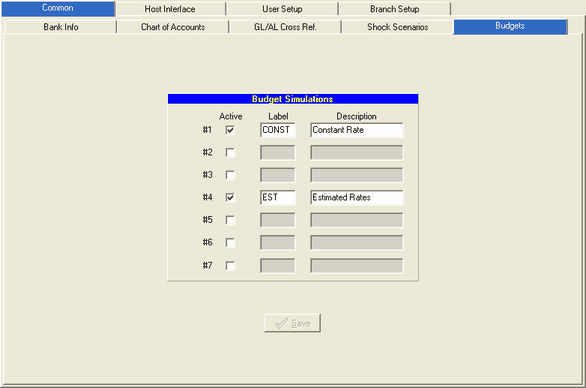
The Budgets tab is used to setup or change your budget simulation named sets. This parameter will be setup during the IRR-Solutions® II software installation. The Budgets screen is displayed below:
Add a Budget Simulation Set
Before you can access the Budgeting module, you must set up at least one budget simulation set. You can have up to 7 possible budget sets defined.
Change a Budget Simulation Name
You can change any of the 7 budget sets by selecting and highlighting the field and entering your change. Both the Label and Description fields can be changed. To delete a budget set uncheck the active box. Press the Save button to save your changes.