 Main Menu | Param. Setup | Regions
For reporting purposes, Institutions can create regions containing selected branches. After the Regions parameter is checked and saved, the Regions tab will be displayed at the top of the tab bar as shown below.
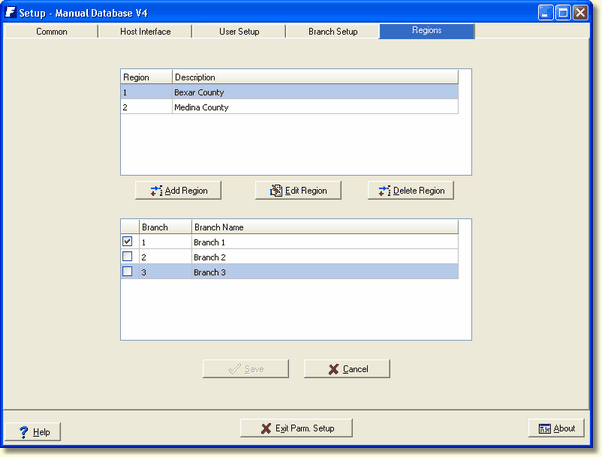
Add Region/Edit Region - The Add Region and Edit Region screens are the same.
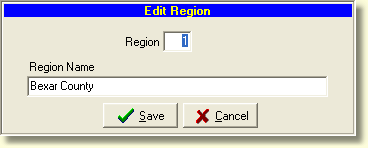
Enter a region number and region name and select the Save button. Check the branch or branches which will make up the new region and select Save.
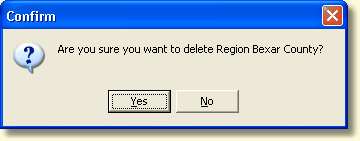
Delete Region - Selecting the Delete Region button will display a confirmation dialog box. Selecting the Yes button will delete the region. This action is not reversible.
Reports can now be generated based on the regions. See Reporting Type in the Standard Report Parameters chapter for further information.