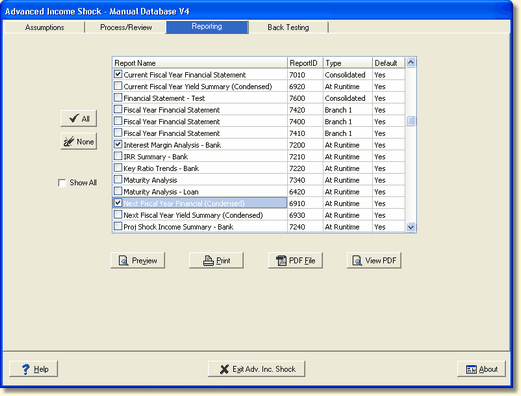
You can preview a report by selecting the report with a check mark and pressing the Preview button. The selected report will be displayed on your screen. See the Preview Window Interface in the next topic.
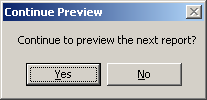
You can preview multiple reports by checking each report. When you have finished previewing the first report and close it, the system will display the following screen asking you if you want to continue the preview process. This gives you a chance to discontinue the preview of the remaining selected accounts. Selecting "NO" will return you back to the program, selecting "YES" will continue with the preview of the next selected report.