The Print function will send the selected report(s) to the chosen printer. The system will present you with a printer selection dialog box.
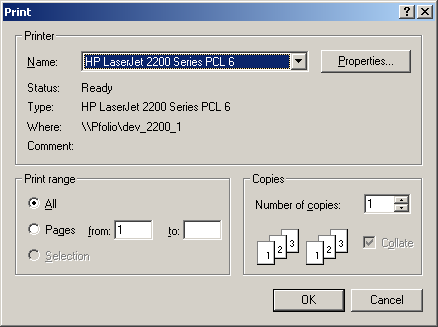
Make your printer selection in the drop down box from the list of available printers installed on your PC. Selecting "OK" will start generating the report(s) and spool them to the printer. The following progress box will be displayed during the spooling process.
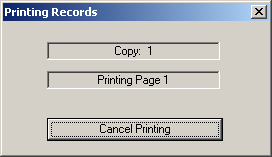
Any time during the printing of the report(s), you can select "Cancel Printing". This will abort printing of the current report. If multiple reports were selected for printing, the following message box will be displayed.
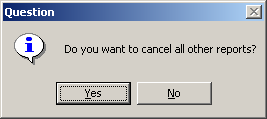
This gives you the opportunity to completely abort all printing. If you choose the "NO" option, printing will resume with the next selected report.