Main Menu | Advanced EVE | Process/Review
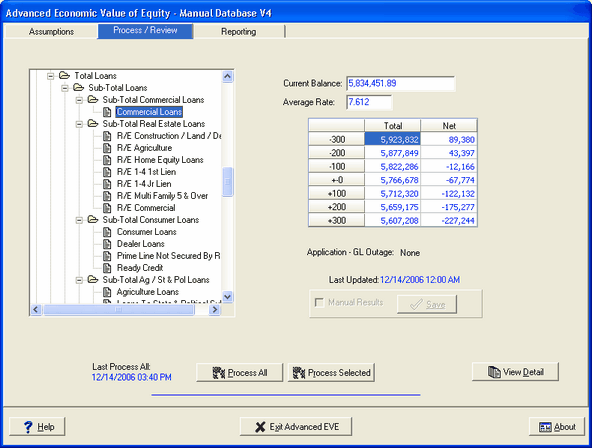
Any account that has underlying item detail available will automatically enable the View Detail button. From there the system provides various detail information to review and analyze the results.
Results are available by item type (i.e. Fixed, Floating, and Adjustable) even down to a single individual item.
Access to the detailed information is gained by selecting an account and clicking the View Detail
button as seen below: