 Main Menu | Reporting | My Reports
After selecting the path above, the following screen is displayed:
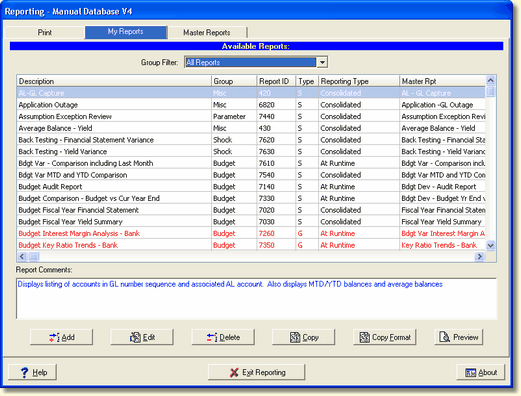
There are many reports available to you under the My Reports tab. To make it easier to find your report, a Group Filter box has been added to this screen. It's located in the upper middle of the screen. Selecting a group of reports by clicking on the down arrow will narrow your search.
You can also search for a report by right clicking in the report grid and selecting Find Report. See Selecting Reports in the Advanced Income Shock module for the Find Report details.