Main Menu | Reporting | My Reports
Deleting a report will remove the selected report from the list of available reports as well as delete it from any report group it has been added to.
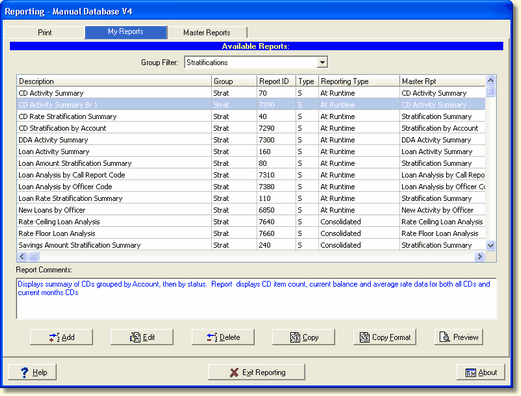
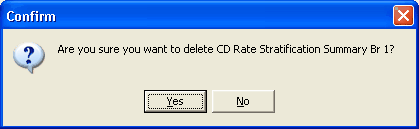
Select the report in the list of reports shown, and press the Delete button. The following warning message will be displayed before the report will be deleted.