 Main Menu | Reporting | My Reports
To allow the user to quickly set up multiple reports with the same printing options, a Copy report option is available.
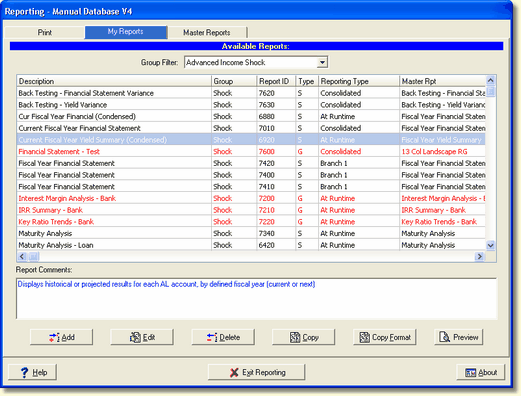
Select the report you want to copy from the list of available reports and choose the Copy button. This will produce the following copy report dialog.
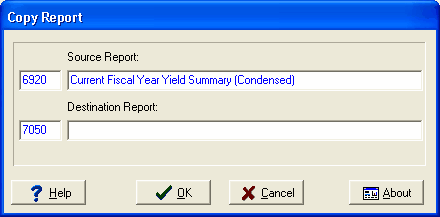
Enter the description of the new report. Select OK to create a copy of the original report. All printing options will be copied to the new report.
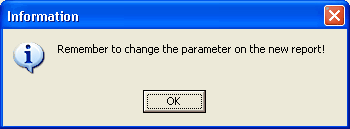
Since all attributes of the report are copied, including the parameter selection, a message is displayed to remind the user to alter the parameter selection if necessary.