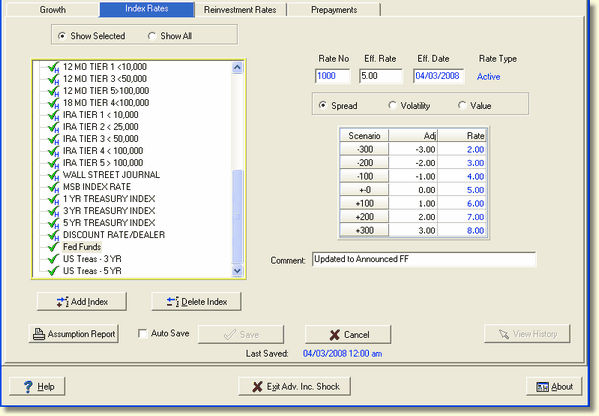
To delete an index, highlight the index that you want to delete and click the Delete Index button.
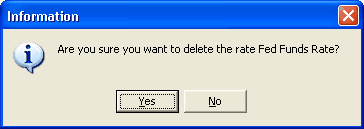
A box will appear asking you to confirm that you want to proceed with the delete operation.
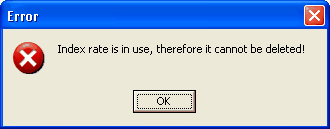
The system performs a check to verify that the index to be deleted is not used in any of the assumptions that were made either in the Discount assumption or Reinvestment assumption area or tied to an active application item. If accounts are found that use the index to be deleted as a base rate, the following error message will be displayed.
A list of accounts that use the index rate can be displayed by right clicking on the index rate. The following pop-up menu will be displayed:
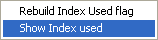
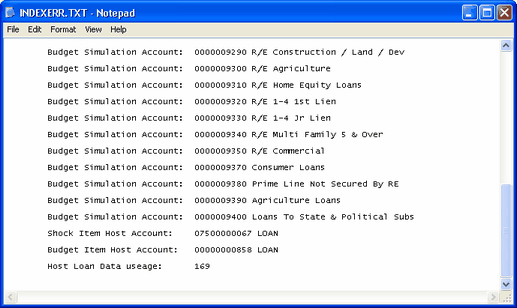
Select Show Index used and a notepad screen will be displayed showing all accounts which use the index rate within each module. The listing also shows item accounts and the number of host items using the index rate.
The Rebuild Index Used flag is only used when an index rate is deleted. This resets the index rates that are being used in the module and eliminates the one they deleted without having to run a complete capture again.