There may be certain situations where you will want to setup an index rate not currently in your host system. A good example of this would be to setup an "artificial" index for Fed Funds. You will want to value the Fed Funds account against the Fed Funds rate.
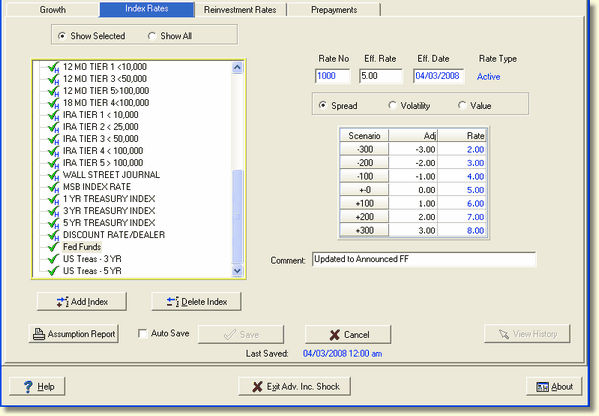
To add an index manually, click the Add Index button at the bottom of the screen. The following window appears:
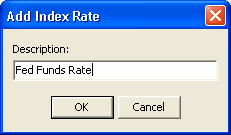
Description - Type the name you want to give your "artificial" index in the "Description" field and click OK. The system will create the index and add it to the tree view on the left.
Eff. Rate - Enter the effective rate of the index.
Shock Scenarios - Enter the values for each scenario on the left that you assume your index would have in the various shock scenarios, pressing Enter to move to each cell.
When you have finished inputting the values for each rate shock scenario, click Save.
The system has automatically given the new index a rate number, in this case "1004". The effective date will be the date on which the index was set up.
The Value radio button has been selected, as that is the assumption method that was used when you originally set up an index manually. The rate assumptions that you gave the index when you set it up are shown and can be adjusted using the methods described in the Setting Assumptions topic of this chapter.