 Main Menu | Reporting | My Reports
To allow the user to quickly copy the selected accounts in a tree view and the formatting options, a Copy Format option is available on the My Reports tab. This button is located in the lower right hand area of the screen. This option can be used even if the source report is not using the same master report template. If it is a standard report and uses the tree view account selection, this option can be used.
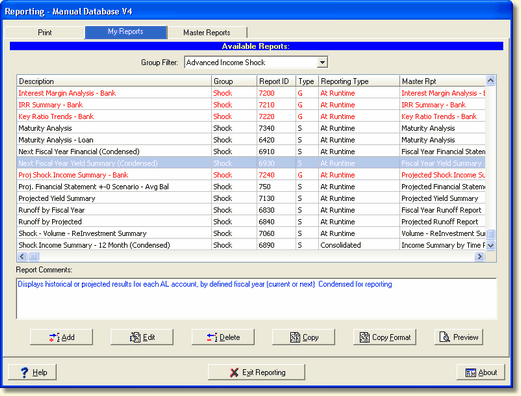
Select the report you want to copy from the list of available reports and choose the Copy Format button. This will produce the following Copy Report Format dialog.
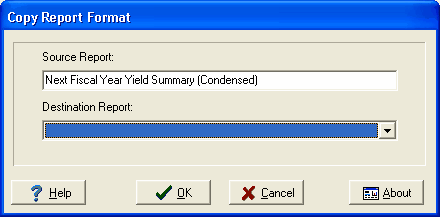
Select the destination report that you wish to copy to. Select OK to copy the selected tree view accounts and all formatting options to the destination report.