Constants are the simplest components of the report generator.
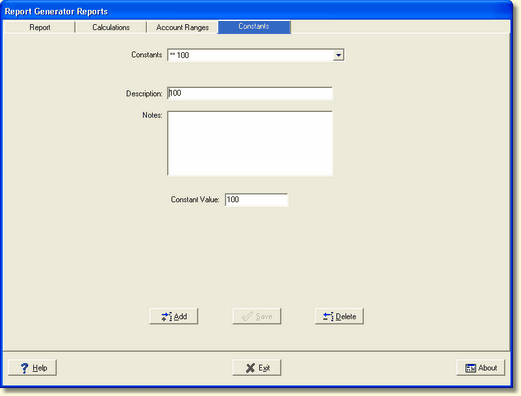
They represent constant values required in calculations. To add a new constant for use, select the Add button. The display will clear. Fill in the Description, any Notes if applicable, and the actual Constant Value.
Selecting the Save button will save the new constant and make it available for use. It will appear in the drop-down box of available constants.
To change an existing constant, simply select it from the list of available Constants and change any desired part. Select Save to preserve your changes.
Note: The constant may require editing as value changes. Ex: Number of Employees.
Deleting a constant requires the constant to be first selected in the Constants drop-down list. Clicking the Delete button will produce the following warning message
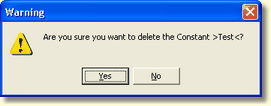
Confirm or deny if you want to delete the shown constant.