 Main Menu | Reporting | My Reports (Parameter group)
The worksheet report provides a means to make the assumptions on paper before placing them into the model. This allows for developing the assumptions in a group environment. The report prints out a chart of accounts with room to pencil in your assumptions.
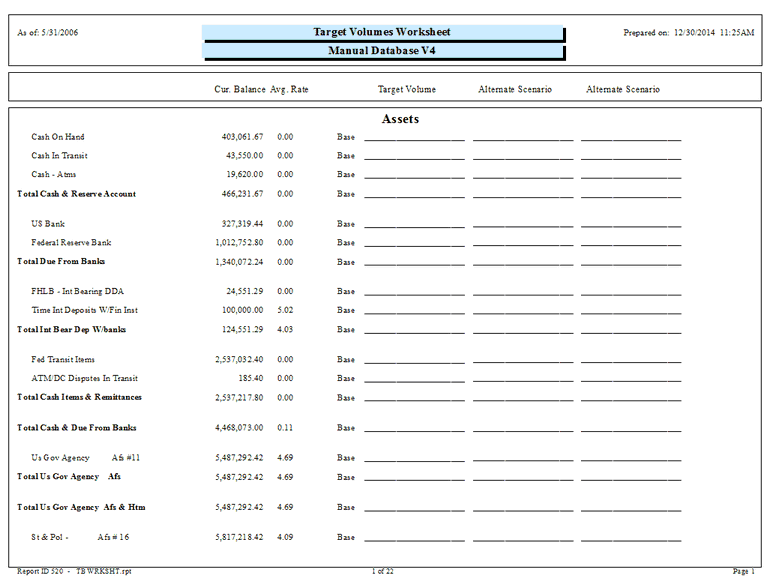 .
.
The list of accounts shown on the report can be configured in the My Reports tab. This allows the report to be reduced to only the pertinent accounts or subtotals.
We highly recommend that all module (Shock and EVE) assumption reports be saved each month. This will provide the bank with documentation of the parameters set into the model for any given month. The saved assumption reports can be provided to auditors/examiners if requested.
There are two methods to save the assumption reports.
1. When the assumption report is displayed, select the export icon -  to export the report to your normal month end report location.
2. Go to the Reporting module and place the assumption report in a report group. You can set up a separate report group for all the assumption reports or add the assumption report to an existing monthly report group.