Access to the IRR-Solutions® II software is gained by double clicking the  icon on your desktop.
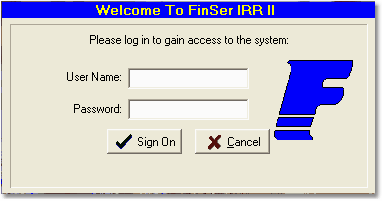
You will be prompted for a User Name and Password which will be set up during the installation of the software. After typing your user name and password, press the Sign On button.
After a successful login, the program will proceed to the Institution Selection screen.