For clients running the FinSer In-house Investment Accounting software, the required information for import into IRR-Solutions® II will be produced during the processing of the Investment Accounting.
Since the information that is needed resides locally with the client, no communication with the FinSer BBS is required. The Communication configuration is limited to only providing IRR-Solutions® II with the location where the Investment Accounting software will place the security information.
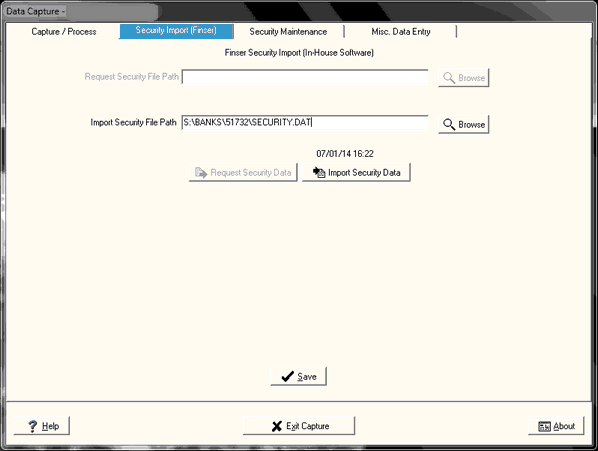
All that is needed is to select the Import Securities button, which will import the security information into the database.

The following screen is displayed.
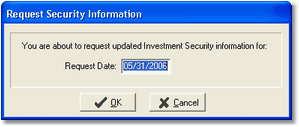
The date displayed in the dialog box defaults to the current capture date. If this is the first step in the processing of information for the new month, it will still be set to the prior month. Change it to the appropriate date. Select OK to start the import. If this date does not match the processing date in the Portfolio Accounting system, the IRR-Solutions® II software will display the following error message.
"Security Text File Date Does Not Match Capture Date -- Aborting"
Make sure you have selected the correct Processing Date in IRR2 and also check your processing date in the Portfolio Accounting system. They must be the same.