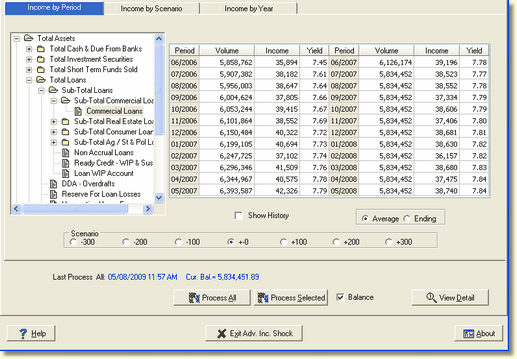
Main Menu | Advanced Income Shock | Process/Review
Any account that has underlying item detail available will automatically enable the View Detail button. From there the system provides a large amount of detailed information to review and analyze the results.
Results are available by item type (i.e. Fixed, Floating, and Adjustable) even down to a single individual item.
Access to the detailed information is gained by selecting an account with underlying data and clicking the View Detail
button as seen below: