For banks using the Misc Data Entry option for their securities (either by manually entering securities or by an established import into Misc Data Entry): If the system detects callable security items without a call spread, a warning message will be displayed as shown below. This message will also appear when you do your capture/process in Data Capture.
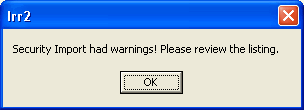
When OK is selected, the listing will be displayed in notepad as shown below. See the Assumption Defaults topic for the default call behavior for callable securities.
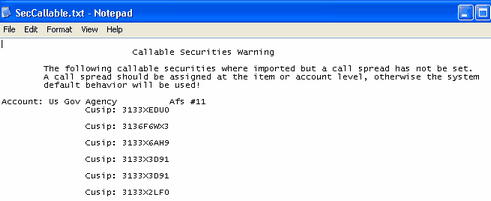
Setup of a Call Spread will need to be made on the account or item level. Establishment of the call spread on the account is done in Parameter Setup, on the Chart of Accounts tab. Establishment of the call spread on an item is done in Misc Data Entry and editing the specific item.