 Main Menu | Reporting | Print
To delete a group, select it in the tree view and click on the Delete button in the Group Setup section.
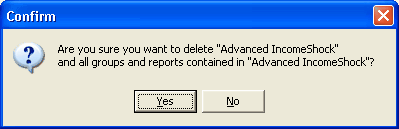
A confirmation dialog will be displayed. Selecting the Yes button will delete the group and all groups and reports contained therein. This action is not reversible.