 Main Menu | Reporting | My Reports | Select Report (Advanced Inc. Shock group) and Edit
The Repricing Loan Volumes report displays loans repricing by Scenario and Timeframe.
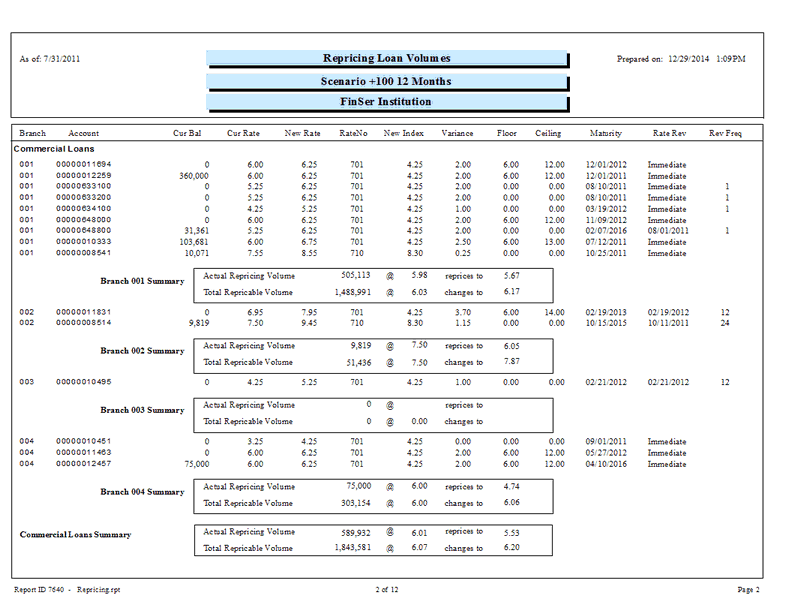
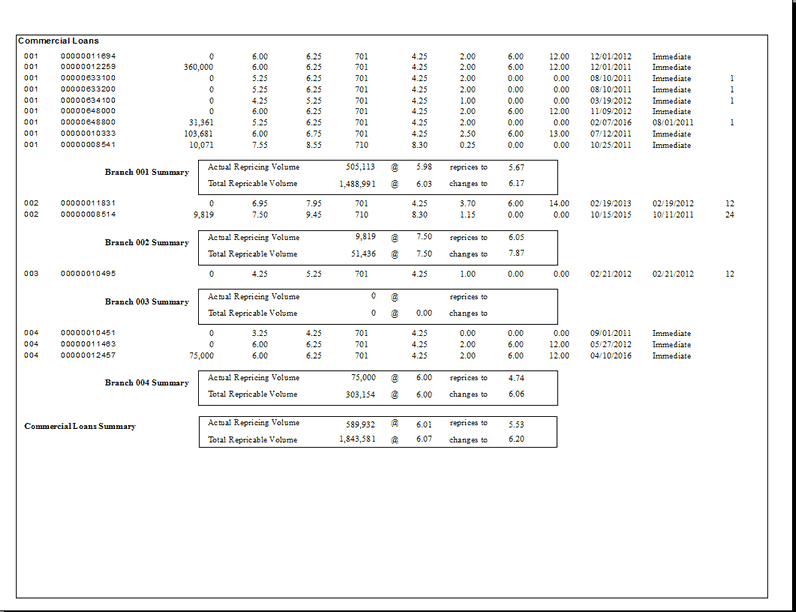
The report has drill down capability to display individual loan account details by double clicking when the magnifying glass cursor shape is displayed over data.
The following screen displays the report parameters that can be customized by the bank.
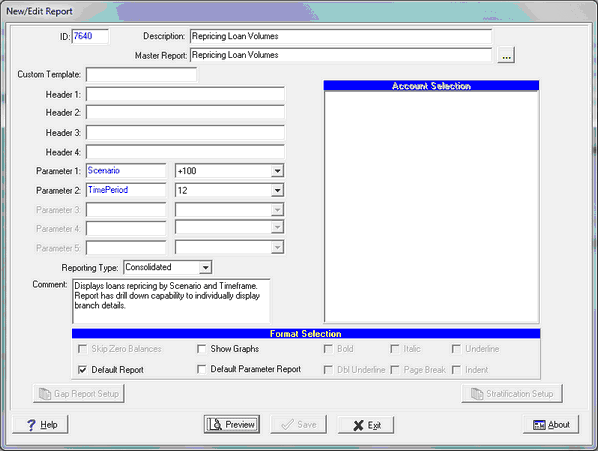
There are two system parameters for this report which can be changed by the user:
Parameter 1 : Scenario - The default scenario is +-0. Seven shock scenarios are available..
Parameter 2 : TimePeriod - Time Periods range from 1 month to 24 months.
The selected parameters will appear in the second header line automatically