Main Menu | Reporting | My Reports (Misc group)
or
Main Menu | Param. Setup | Host Interface | Application Cross Reference
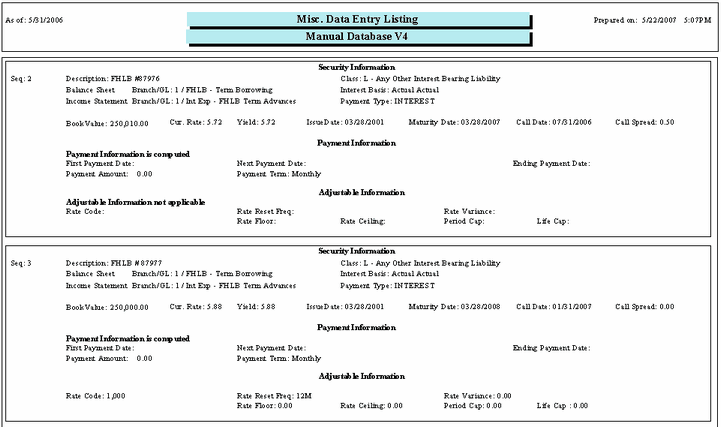
Access to the Misc. Data Entry Listing is made by pressing the Print Misc. Data button at the bottom of the Misc. Data Entry screen.
The Security Inventory Listing report will list all misc. items and their detail entered into the Misc. Data Entry tab by sequence number.