Banks have developed various ways to report liquidity ratios at their institutions. Customized ratios may be added in the model to allow a bank to develop ratios designed and calculated independent of the standard ratios provided by FinSer.
The four standard ratios are not customizable by the user. The most common way for a user to develop a new ratio for customization is with the following steps:
1. Add a new ratio, giving it a unique description and proper Time Frame. This is done by using the Add Ratio button and typing in a Description and selecting the applicable Time Frame (Current or Projected) data needed for the ratio
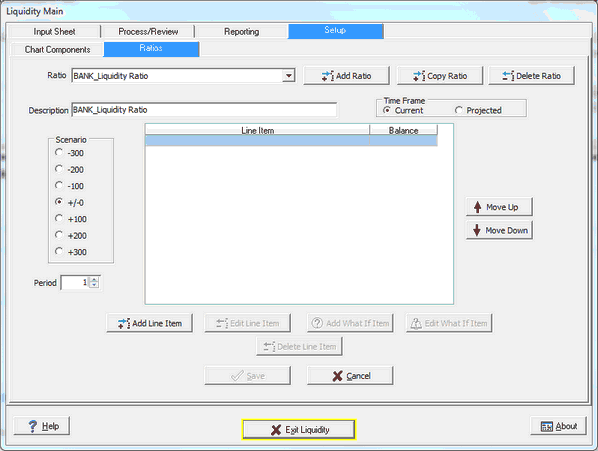
2. Save the new ration without further editing
3. Select a similar existing ratio from the ratio selection box.
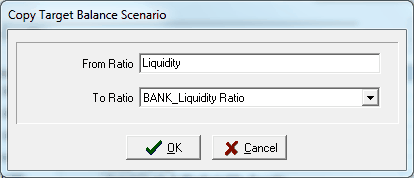
4. Use the Copy Ratio button and select the new ratio as the To Ratio selection. Click OK
Once the copy is complete you will see a completed message.
This action established a baseline new ratio, which can then be edited and customized as desired. Given the complexities of building new ratios, it is suggested to contact FinSer Support for assistance.